
How to Add Skins in Truckers of Europe 3 (Safe PNG Guide 2026)
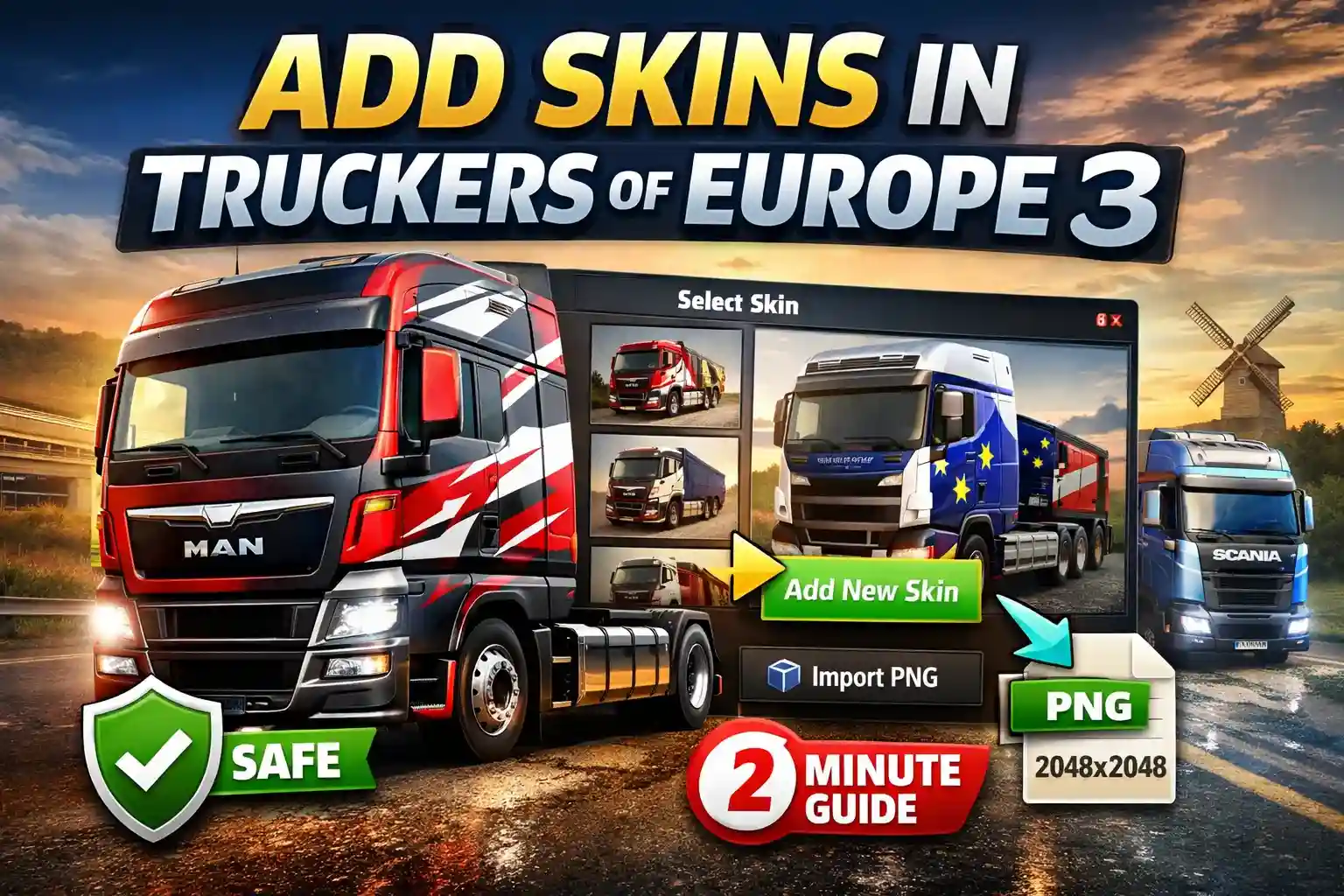
Yes, you can add custom skins in Truckers of Europe 3 without any mod APK. Download a PNG skin file and import it using the built-in “Add New Skin” option inside the Garage menu. Works on all trucks including MAN, Scania, Mercedes-Benz, Volvo, DAF, Iveco, and Renault. Time needed: 2–3 minutes.
What Are Skins in Truckers of Europe 3?
Skins are cosmetic truck designs. They change appearance only.
They do not:
- Increase engine power
- Improve fuel efficiency
- Affect cargo delivery rewards
- Change realistic physics or handling
Truckers of Europe 3, developed by Wanda Software and published by Zuuks Games, focuses on authentic European trucking. Skins simply let you personalize your vehicle while hauling freight across long routes.
Does Adding Skins Affect Performance?
Short answer: No. Skins are texture overlays applied to your truck model.
They do not affect:
- FPS
- Render distance
- Fuel management
- Damage system
- Weather effects
Whether you’re driving a Volvo on a long haul or delivering cargo in a Scania through heavy rain, performance stays the same. There is also no ban risk when using the official in-game import feature. Avoid mod APK builds. They are unnecessary for skins.
Method 1: Using a Skin App (Easiest Way)
Most players use this method.
Step 1: Download a Skin App
Search on Google Play: “Skins Truckers of Europe 3”
Before installing:
- Check rating (4.0+ recommended)
- Check last update date
- Read recent reviews
Some apps become outdated or contain excessive ads. Always verify first.
Step 2: Select Your Truck Model
Skins are truck-specific. A MAN template will not align correctly on a Renault or DAF truck. Always choose the exact truck brand you own.
Step 3: Download the Skin
Download as PNG file. It saves to your gallery or Downloads folder. Now you’re ready to import.
Method 2: Import Skin Inside the Game (Official Way)
No file manager access needed. No Android/data folder editing required. Follow these steps:
- Open Truckers of Europe 3
- Go to Garage
- Select your truck
- Tap Configuration
- Open Color & Skin
- Tap “Add New Skin”
- Choose the PNG file
- Load and Save
Done. Your custom design is now active.
Method 3: Discord & Community Sources
If you want more variety:
- Discord trucking communities
- Pinterest design boards
- Dedicated skin sharing websites
Community designs often include detailed freight company logos, logistics themes, and realistic European branding.
Still follow safety rules:
- Download PNG only
- Avoid bundled APK files
- Scan unknown downloads
Skin Format Requirements (Important)
To avoid errors:
- Format: PNG only
- Recommended resolution: 2048 × 2048
- Match the correct truck template
- Keep file size under 10MB
Low resolution = blurry design.
Wrong template = stretched or misaligned skin.
Oversized file = slow loading.
Can You Create Your Own Skins?
Yes. You can design your own custom livery.
Basic process:
- Download a blank truck template
- Edit using:
- Photoshop
- Canva
- Photopea
- Export as PNG
- Import using “Add New Skin”
This gives full creative control for your trucking simulator experience.
Common Problems & Fixes
Safety Tips
- Use the built-in import feature only
- Avoid mod APK downloads
- Check Play Store ratings
- Scan PNG files with VirusTotal before importing
- Do not grant unnecessary permissions
Two minutes of checking is better than resetting your phone later.
FAQs Of Add Skins in Truckers of Europe 3
Final Thoughts
Adding skins in Truckers of Europe 3 is simple and safe when done correctly. No hacks. No root access. No performance loss. Download a proper PNG, match the correct truck template, and import through the official Garage menu. It takes just a few minutes, and your long haul freight routes will look far more personal.
Related Guides:
→ iOS Download Guide